Table of contents block
(We’re still working on the description of this block. More will be finished soon.)
Use this block to genereate a navigation from headings on the page or from a configured property.
Settings
The following settings are available:
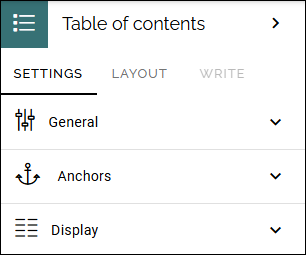
General
Just the usual possibility to add a title for the block.
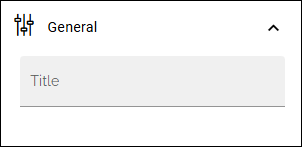
Anchors
These settings are available here:
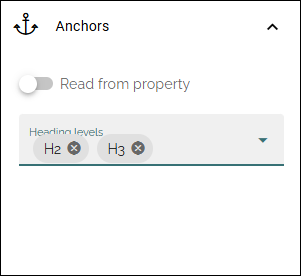
You can either add the headings you would like to be used in the table of contents or select a property.
When you select “Read from property” a list is shown where you select the property to use.
Display
For Display, this is available:
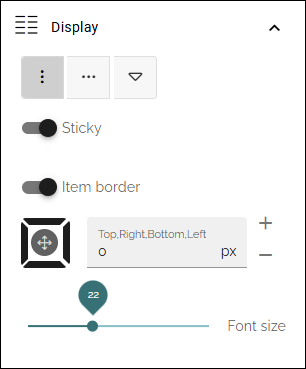
(Top icons): Click the icon for the type of display you want. The first two icons should be self explanatory. The right-most icon is for a dropdown navigation, especially useful for mobile navigation.
Sticky: Select this option if you would like the navigation to always be shown when scrolling. Besides that, the navigation indicates where you are on the page.
Item border: Active anchor in the navigation is always marked. When this option is selected, a thinnner border marks the anchors that are not active. Active anchor is still marked with a slightly broader line.
(Padding): Add some padding if needed.
Font size: Use the slider to set the font size of the navigation.
Layout and Write
The Write tab is not used here. The Layout tab contains general settings for blocks. For more information see: General block settings