Moving a local page type to tenant
You can make a tenant page type of a local page type, for example so it can be used in other publishing apps. Here’s how:
Select the page type and choose “Promote to tenant” in the menu:
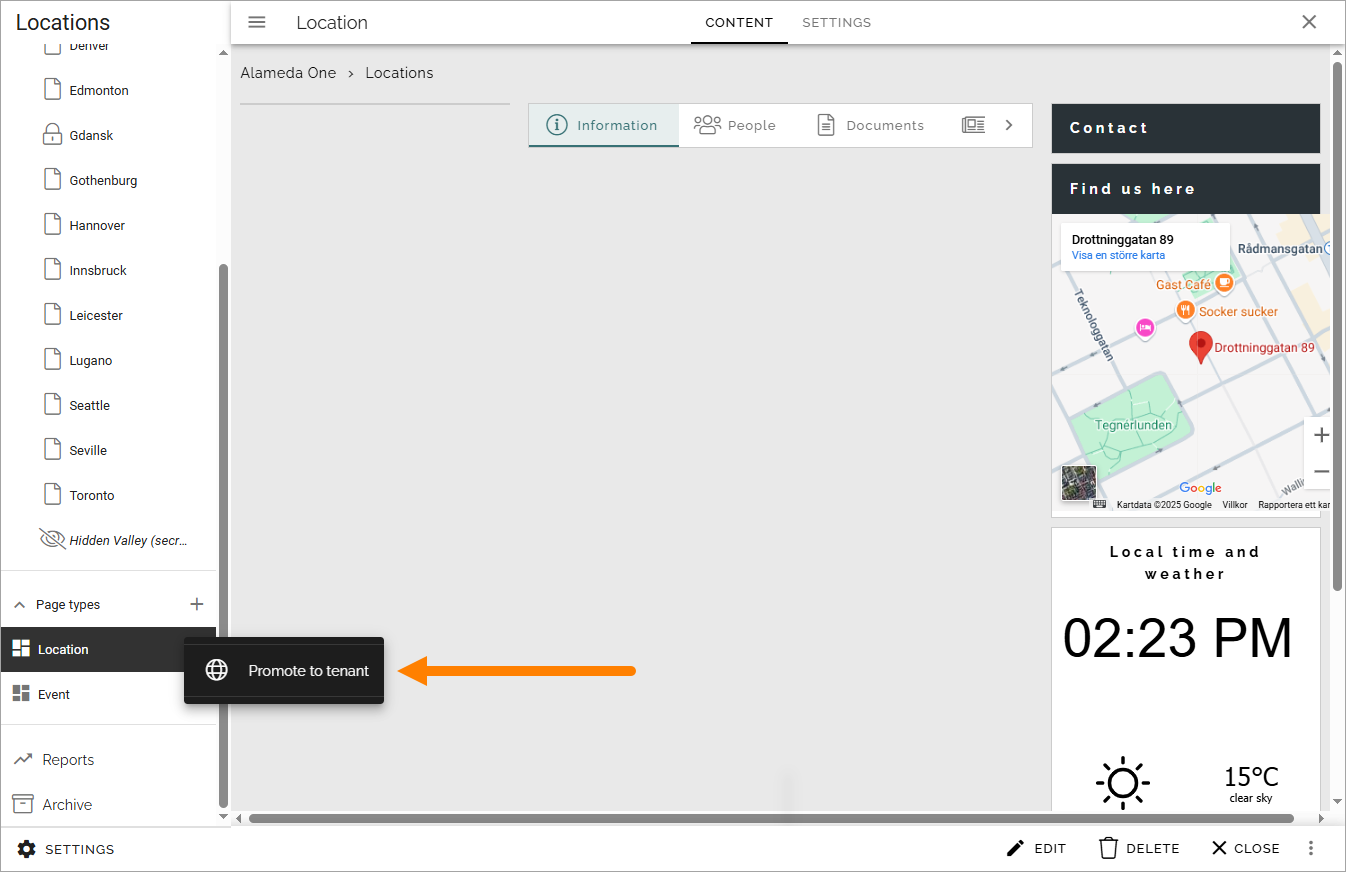
All pages using the promoted page type will continue using it, but the page type will now fully function as a tenant page type.
Note! The promoted page type is removed from the list of local page types in the publishing app - it can no longer be edited there. As it is a tenant page type from now on, it must be edited in Omnia admin.