Model configuration (AI)
This description applies to Omnia 7.8 and later.
See this page for important information on how to set up AI in your tenant: Setup AI
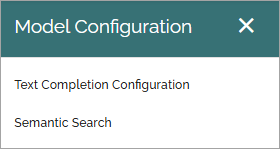
In Omnia 7.8, the following settings are available here:
In Omnia 7.9 and later, settings for Dall-E are also available:
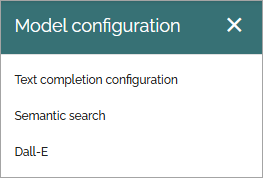
Text completion configuration
The following options are available here:
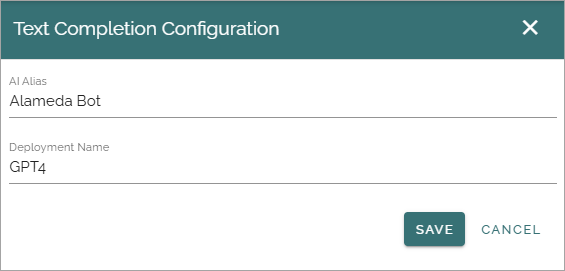
AI alias: Add the label to be used in the UI here.
Deployment name: Add the name for the deployment you are using.
Semantic search
The tenant feature “Semantic search” must be active for this functionality to be available.
Very important! The semantic search will soon be developed further in Omnia but for now it does not support security trimming.
These settings are available for semantic search:
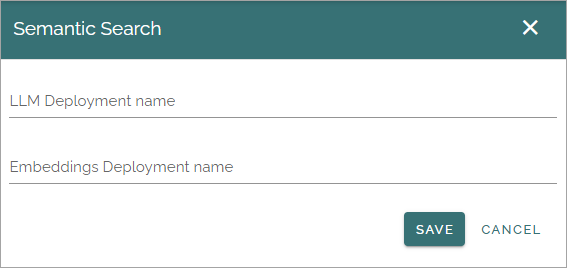
When you have created the services you need in Azure Open AI, you add services here.
LLM deployment name: Add the Large Language Model you will use in Omnia.
Embeddings deployment name: Add the name of the embeddings employment you have created.
For more information about semantic search, see: About semantic search
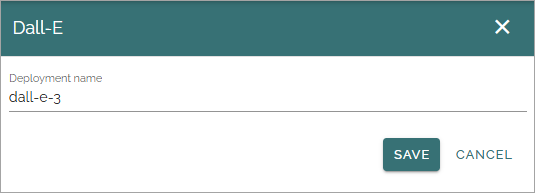
Dall-E
Add the name of the Dall-E depolyment you’re using here:
Note, additional settings för Dall-E are available in business profile settings, see: Dall-E settings (business profile)