Link handler
Prerequisite: the tenant feature “Link handler” must be activated.
The following settings are available here:
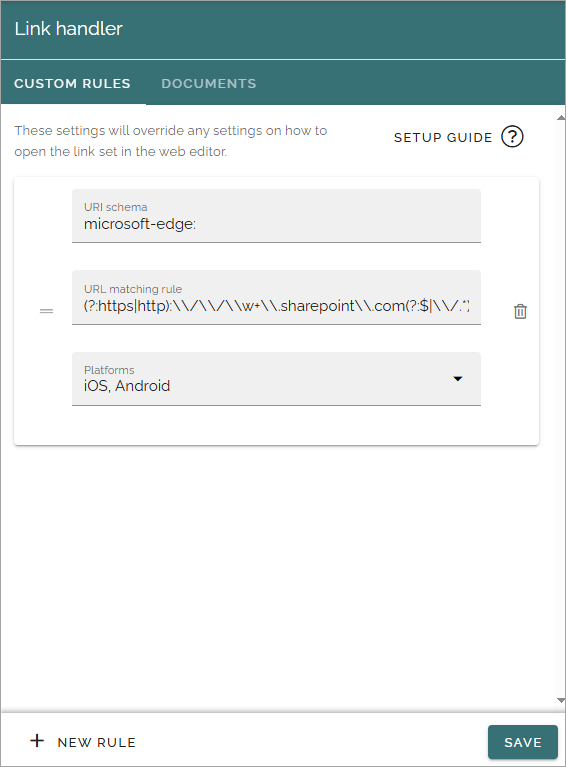
You use the CUSTOM RULES tab to set up general rules for how links should be handled. A description of how to use the fields are found by clicking SETUP GUIDE.
To set up additional rules, click here:
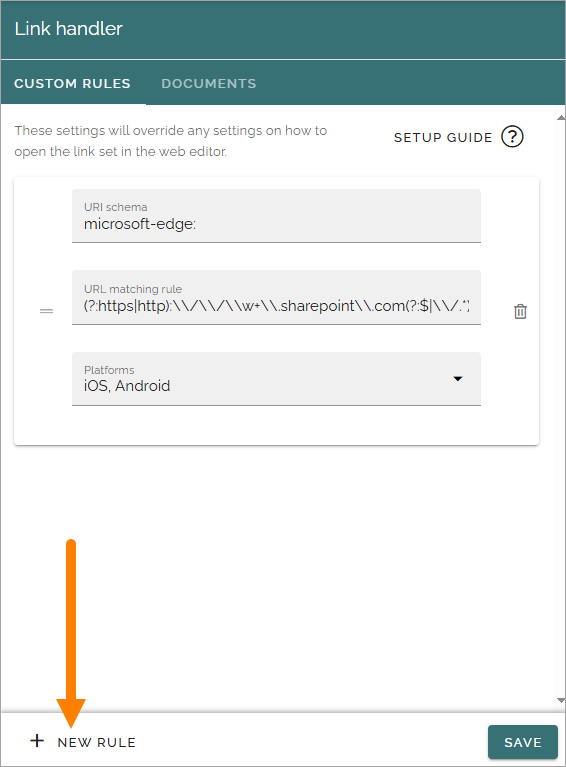
The fields are the same as you see above, only now empty. Remember, a description can be found by clicking SETUP GUIDE on the CUSTOM RULES tab.
Documents
The following field is available on this tab:
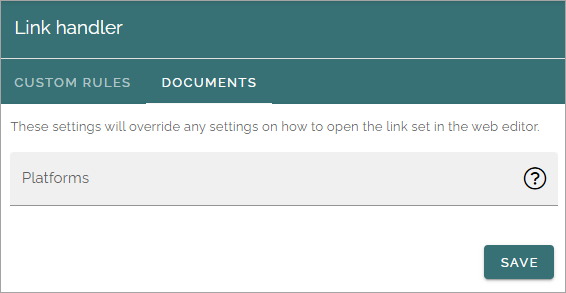
Here can you choose that the rules for the system of the device, for opening documents from a link, should be used instead of the rules set up for Omnia. Open the list and select one or more systems.